
What is it?
Gain deeper insights into your digital engagement and confidently measure performance with Adobe Launch Tag Manager integration. By connecting Adobe Launch with your Komo activation, you can track a wide range of custom events across every user interaction—unlocking more granular analytics and helping you quantify ROI with greater precision. Whether you’re measuring campaign effectiveness or optimizing user journeys, this integration empowers your team to make informed decisions based on real-time behavioral data.>The Adobe Launch Tag Manager integration is only available on certain Komo plans.
How do I set it up?
Connect the Adobe Launch Tag Manager Connected App
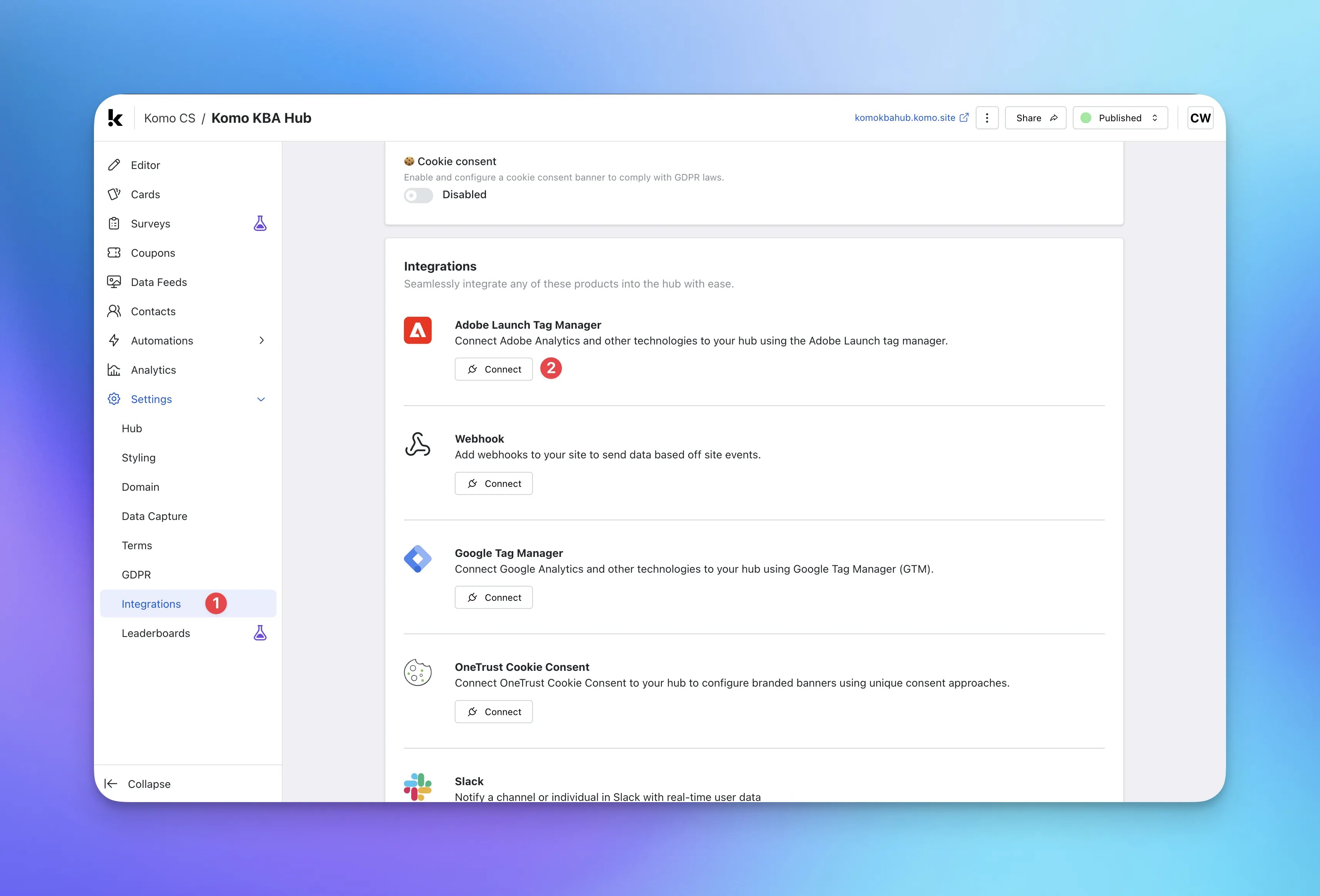
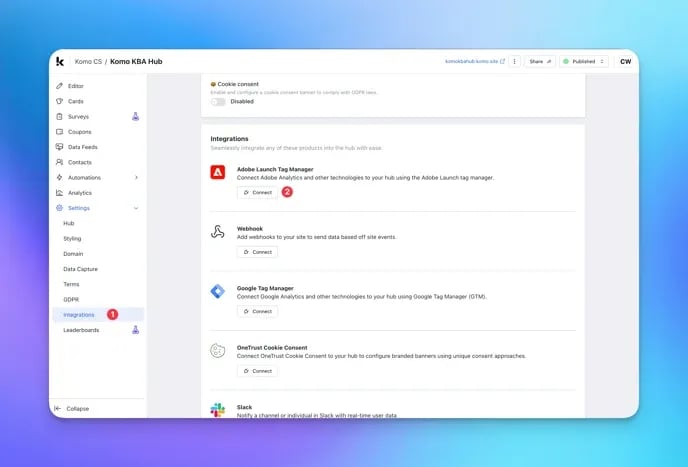
- (1) To add your Adobe Launch Tag Manager, navigate to Settings within your Hub and select Integrations.
- (2) Find the Adobe Launch Tag Manager integration and click Connect.
Connecting the Adobe Launch Tag Manager
Connecting the Adobe Launch Tag Manager
- (A) Here you can enter the Adobe Launch Tag Manager script URL you are supplied from the Adobe platform (it should look like the placeholder text).
- (B) Click Add.