
What is it?
Branching logic personalizes the user’s experience by rerouting the user to different questions within the card based on their response to a previous question. Branching logic can be added to Quiz, Personality Quiz and Multi-Poll cards. For example, based on whether the user answers green, yellow, red or purple they will be redirected to a different question, providing a more personalized card experience.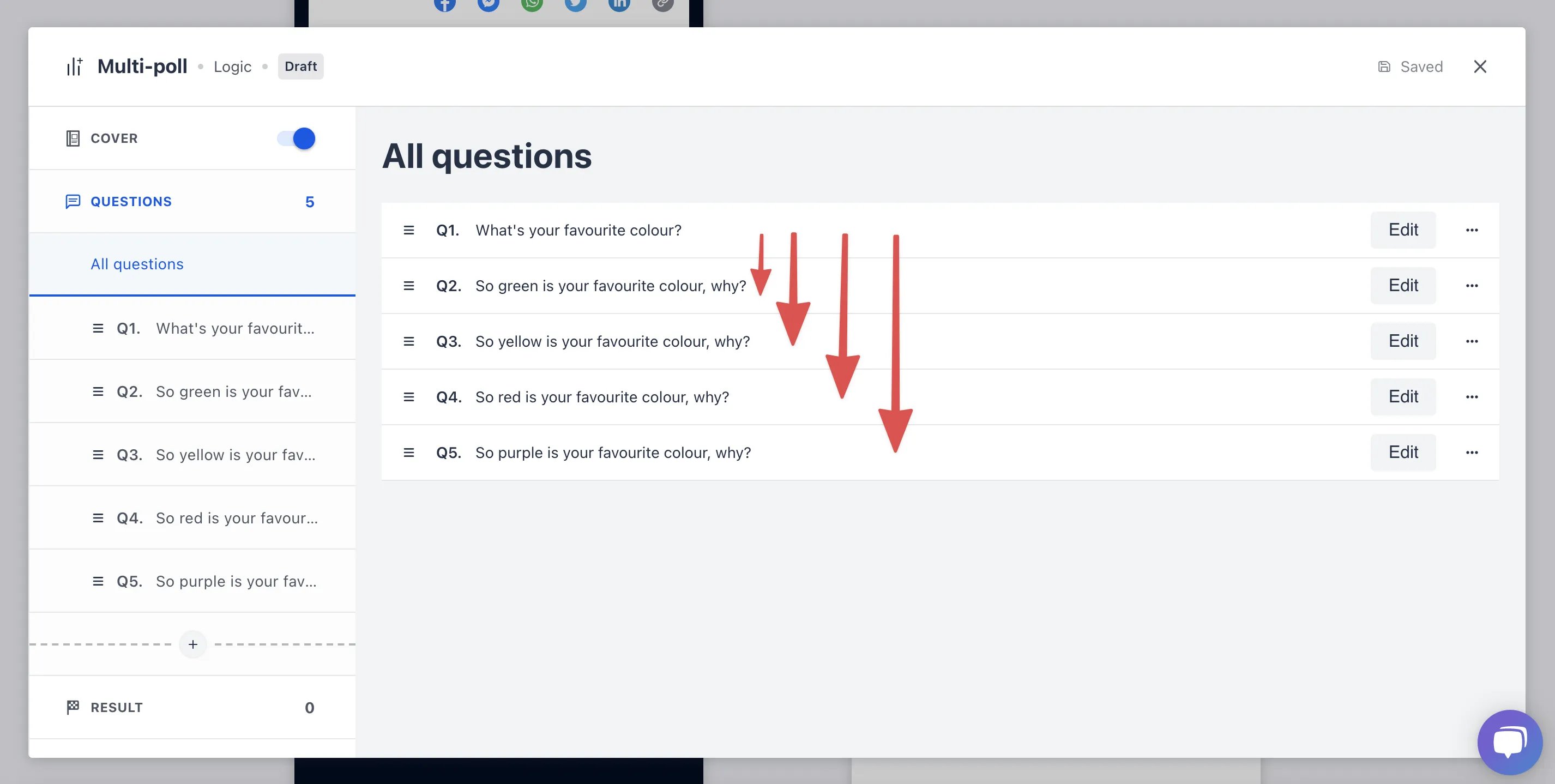
How do I use it?
Step 1: Click add logic jump
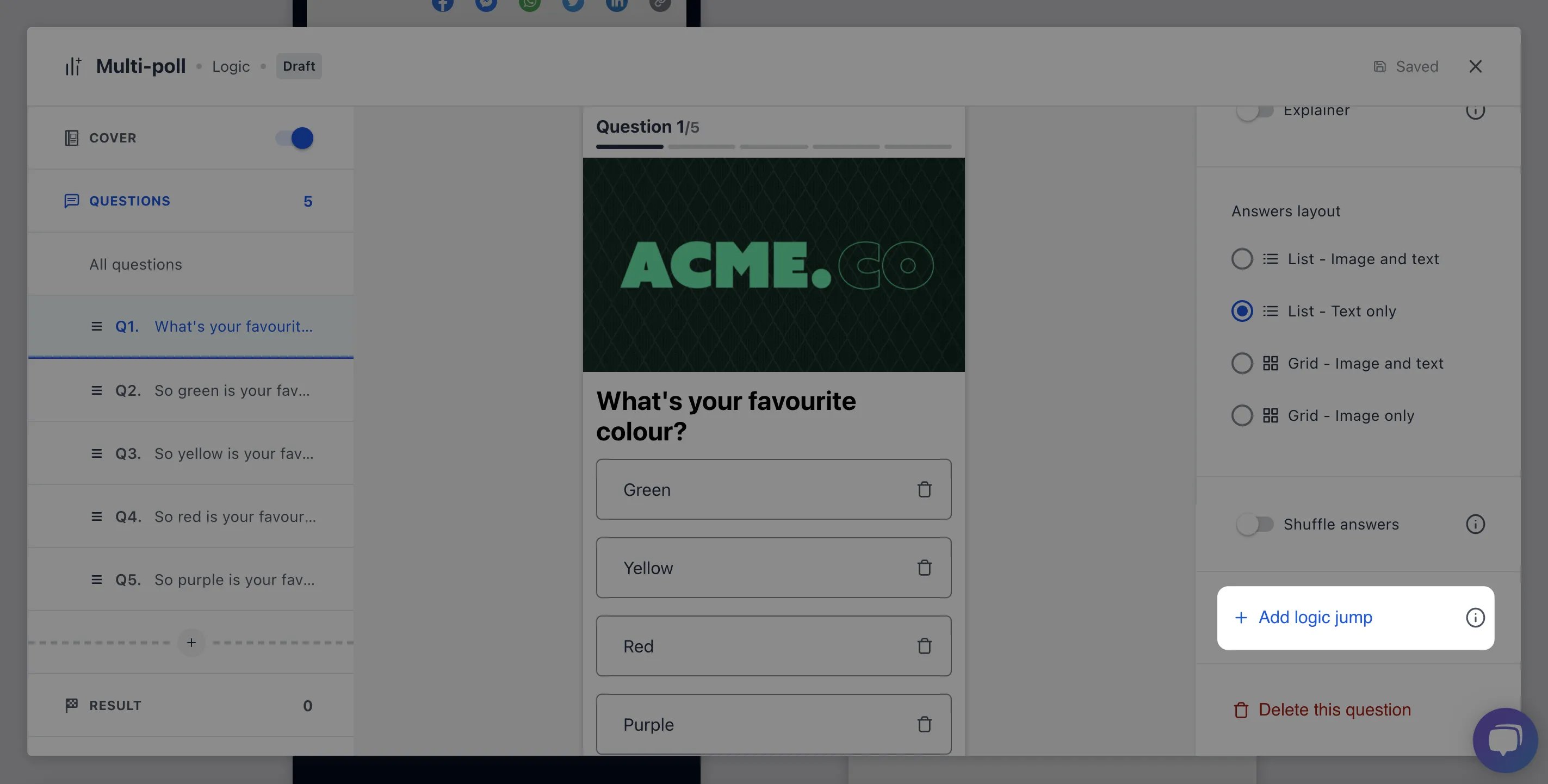
- Navigate to your question and select Add logic jump
Step 2: Add your logic

- For each of the different responses designate which question users will be redirected to
- If you wish to end the logic sequence select Configure all options and then End quiz
- Click Update to save your changes